



Operation Dogfood: Excavator
A controllable excavator built with LunyScript:
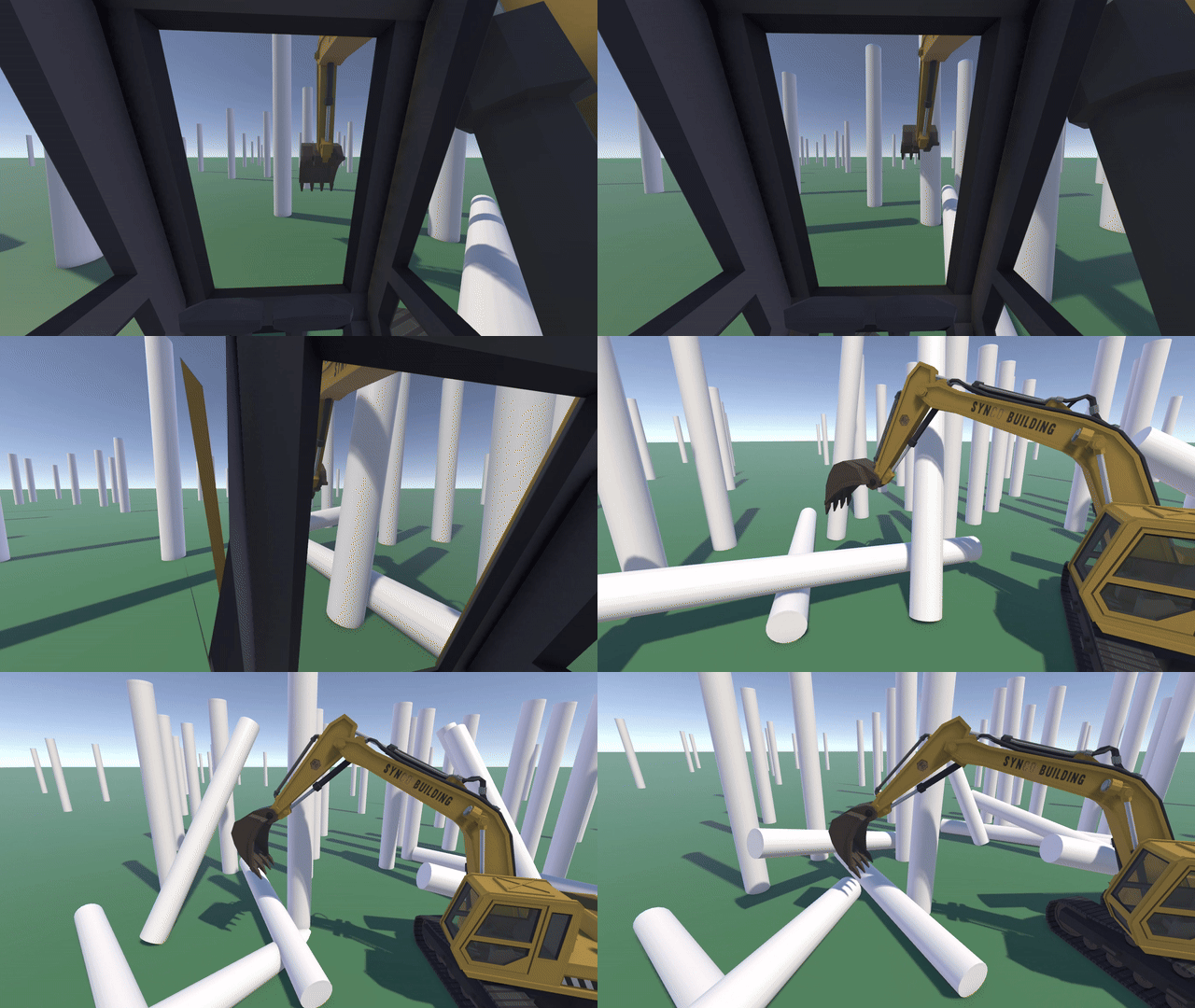
The asset is from Synty Studios’ Construction Pack.
I will bring more of their construction machines and vehicles to live as I expand LunyScript’s capabilities.
Goal
The intention is to dog-food LunyScript in order to find gaps and usability issues while animating mechanical objects (machines, vehicles).
Together with input handling, variables, and physics I want to make LunyScript a capable animation and controlling tool at first. Focusing on a narrower feature set will enable me to build out a higher quality API with greater flexibility and real-world (real-game??) application.
How It Works
A controllable excavator with camera toggle and - of course - a toggle between ISO and US operator controls: swaps boom and dipper arm left/right control sticks which was a nice detail to add some flexibility.
Though let me tell you, as someone who fancies construction machines but never operated one, it’s surprisingly non-intuitive to control. At first. These machines do require a lot of experience to operate them with precision, speed, and safety. But just within a few days the controls already started to form muscle memory and I can now operate the machine with intention. At least I will say so after the fact. :)
Though that’s besides the point.
For a technical overview: Everything above the tracks is kinematic rigidbodies rotated “manually” via transform, not physically. The tracks themselves (the root object) is a dynamic rigidbody with a turning accelerator. I aim for arcade feel, not realism since that would go too far beyond the scope of dogfooding.
Here’s a script snippet, the part that rotates the bucket via RightStick controls:
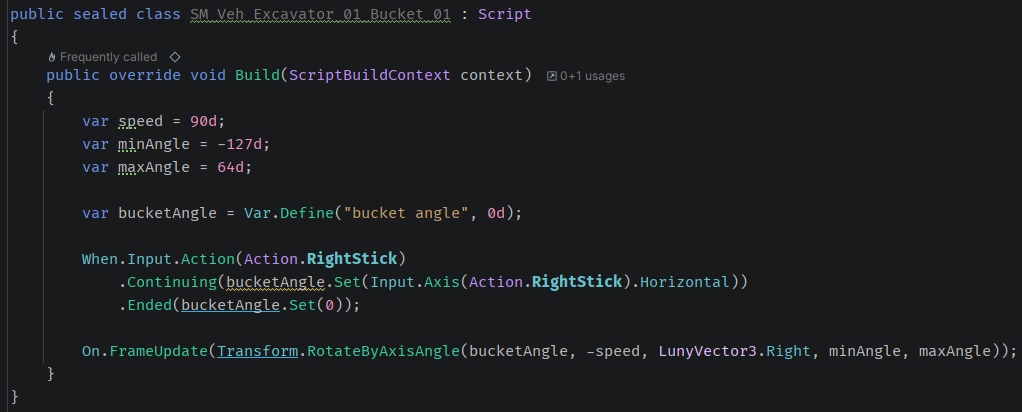
Real excavators use two joysticks and while left/right on the left stick is intuitive to rotate the machine, it takes some getting used to in order to “open/close” the bucket via left/right motion of the right stick.
And then there’s the driving. Pull right forward to turn left. Need I say more? Tank drivers do have an advantage here. :)
Analytics
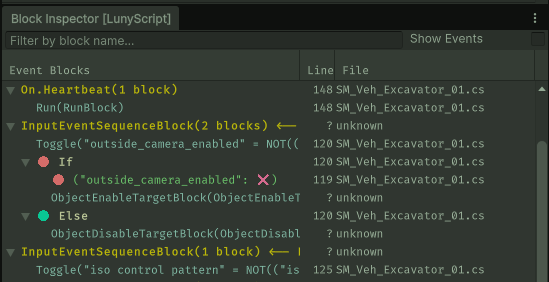
I recently added essential analytics windows. The Block Inspector allows you to see the scripts as they run on an object, with status of conditions and variables updating live and indicated by icons:
The Variable Inspector provides a live view of the object’s local (instance) variables and the global variables:
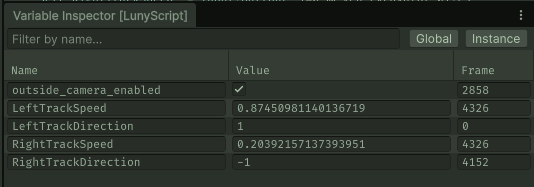
Both require a thorough overhaul of the existing APIs (hence the “unknowns”) to provide the necessary details, such as the script name and line number. Of course you can double-click an entry and jump directly to the corresponding line. None of this is reflection-based, it’s an integral part of the block-based design.
The intention is to make both execution and state of the scripts just as visible and editable at runtime as any Inspector value, without the need for highly technical debugger sessions. Game programming thus becomes much less of a black box as it currently is.
Development Updates
Stay tuned and up to date by joining my Patreon (free) and my CodeSmile Discord Server.
And thanks for another +25 GitHub stars! Keep them coming! :)