🤗👍️👉




🚧 Historical Archive: This PoC demonstrates initial feasibility. Not production-ready.
A vertical slice from scratch in under 20 days (including all LunyScript abstractions): Started with Unity, then ported to Godot (no XP) and Unreal (no XP) in 3 days each.
Watch the video on YouTube (1:20)
It does!
It’s really not rocket science: Engines aren’t that different. They all make games using the same basic set of high-level features. LunyScript aims to standardize only that high-level functionality. Because these features are so fundamental, they don’t change at all.
The engine differences are in perception only. Technically, they are minute.
Engines have trees of Nodes, GameObjects, Actors. Nodes are components. GameObjects and Actors contain components. The lifecycle events differ slightly: trap, and fire at desired order with minimal overhead.
SQL, jQuery, OpenXR, et al unified such implementation artifacts. Why not engine APIs?
I asked a provocative question on reddit and a follow-up and the responses were uniformly:
I call this cognitive bias, expert bias, and my fault: I did not explain it as well as I can now. Also: wrong audience.
→ How LunyScript unifies different engine architectures
→ API design philosophy and principles
→ Code comparison: LunyScript vs Engine scrips
→ More Design details
Note: Physics behaviour will deviate between physics engines, requires scaling values.
The PoC demonstrates LunyScript orchestrating essential gameplay systems across all three engines:
| System | Features Demonstrated |
|---|---|
| Input | Keyboard input detection |
| Physics | Rigidbody movement, forces, velocity control |
| Collision | Collision detection events, collision filtering |
| Assets | Prefab addressing, instantiation |
| Scene Graph | Object create/destroy, find children by name, transform |
| UI | Text display, Variable binding, Button press events |
| Variables | Game state and progression, timer & score |
| Audio | Sound effect playback |
Scope: High-level gameplay scripting - orchestrating game logic, behaviors, and interactions. LunyScript is not a game engine API replacement.
LunyScript will have a different architecture in key aspects:
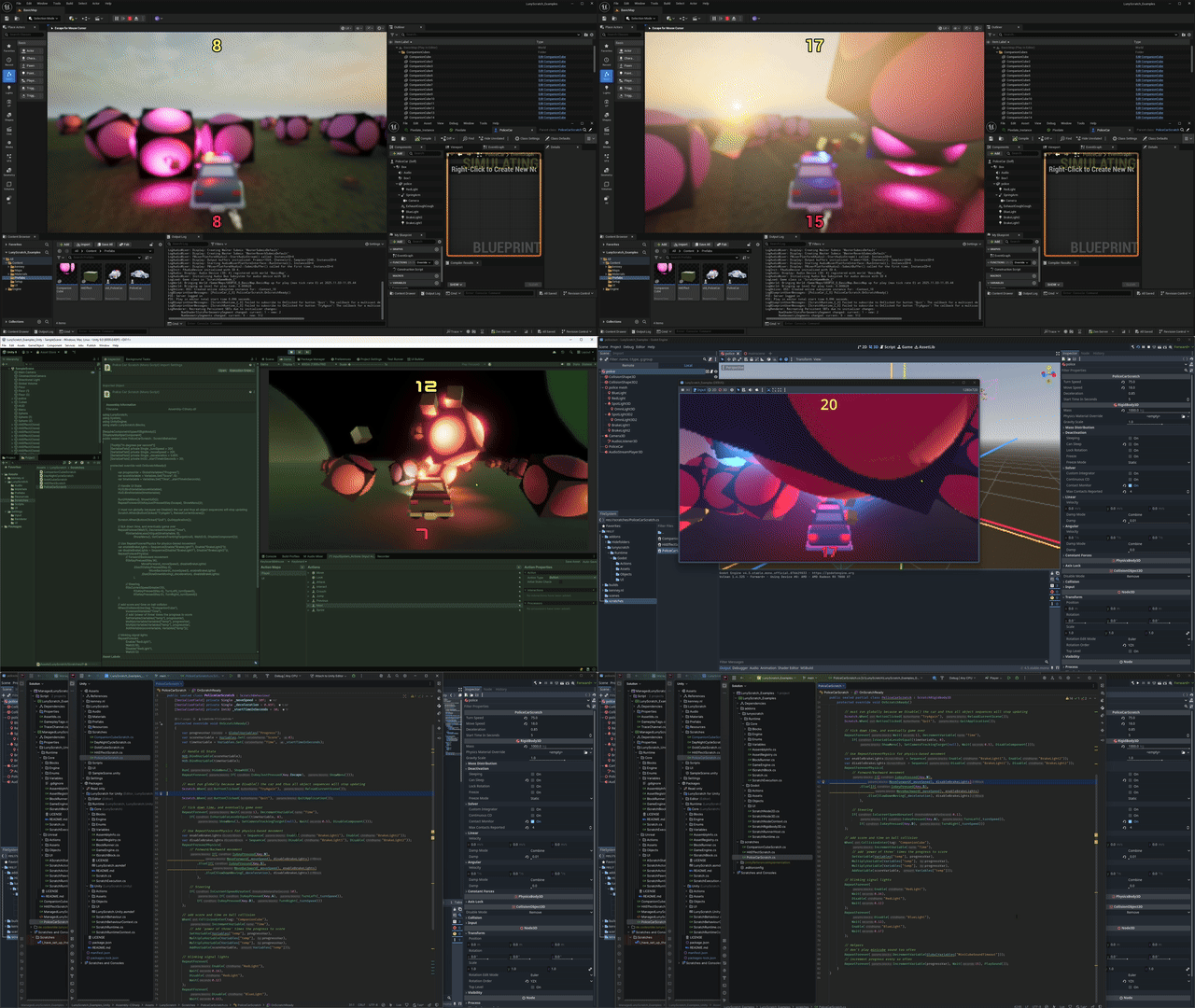
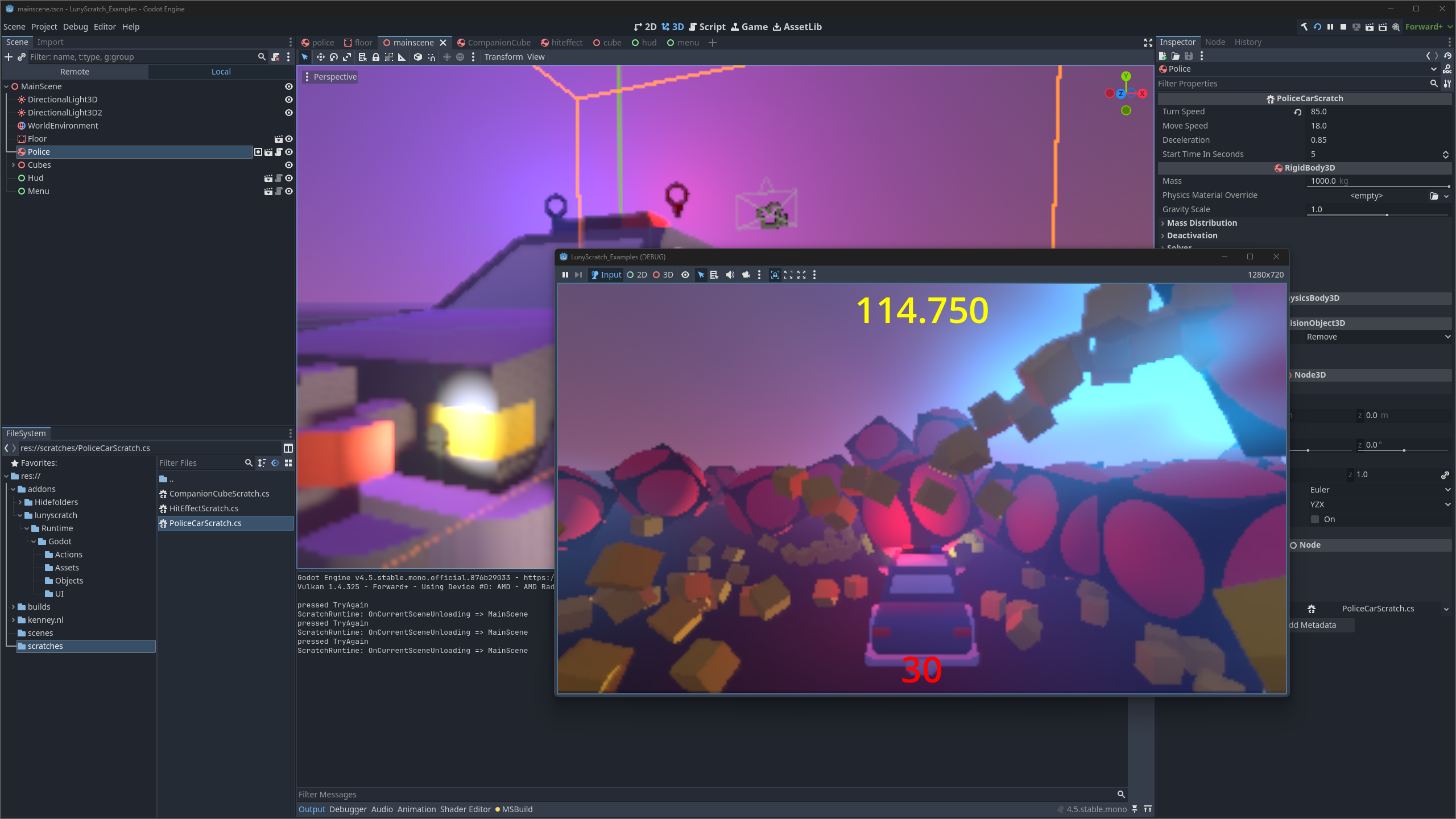
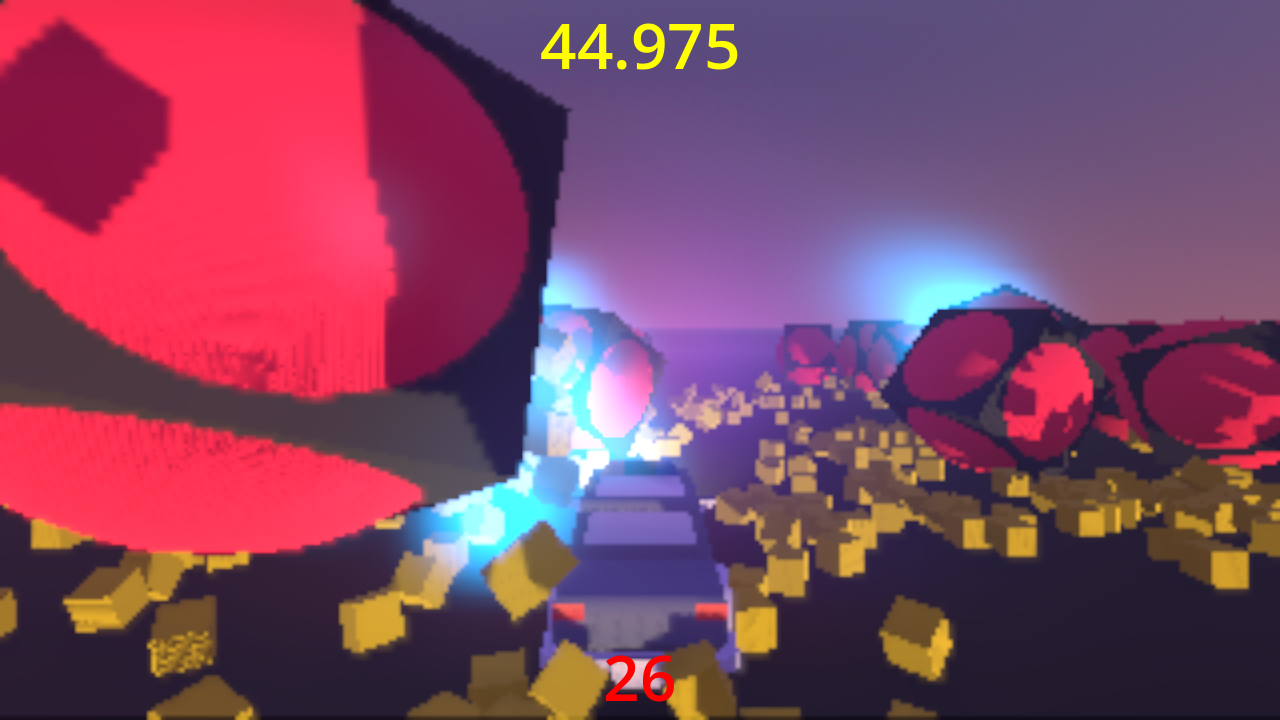
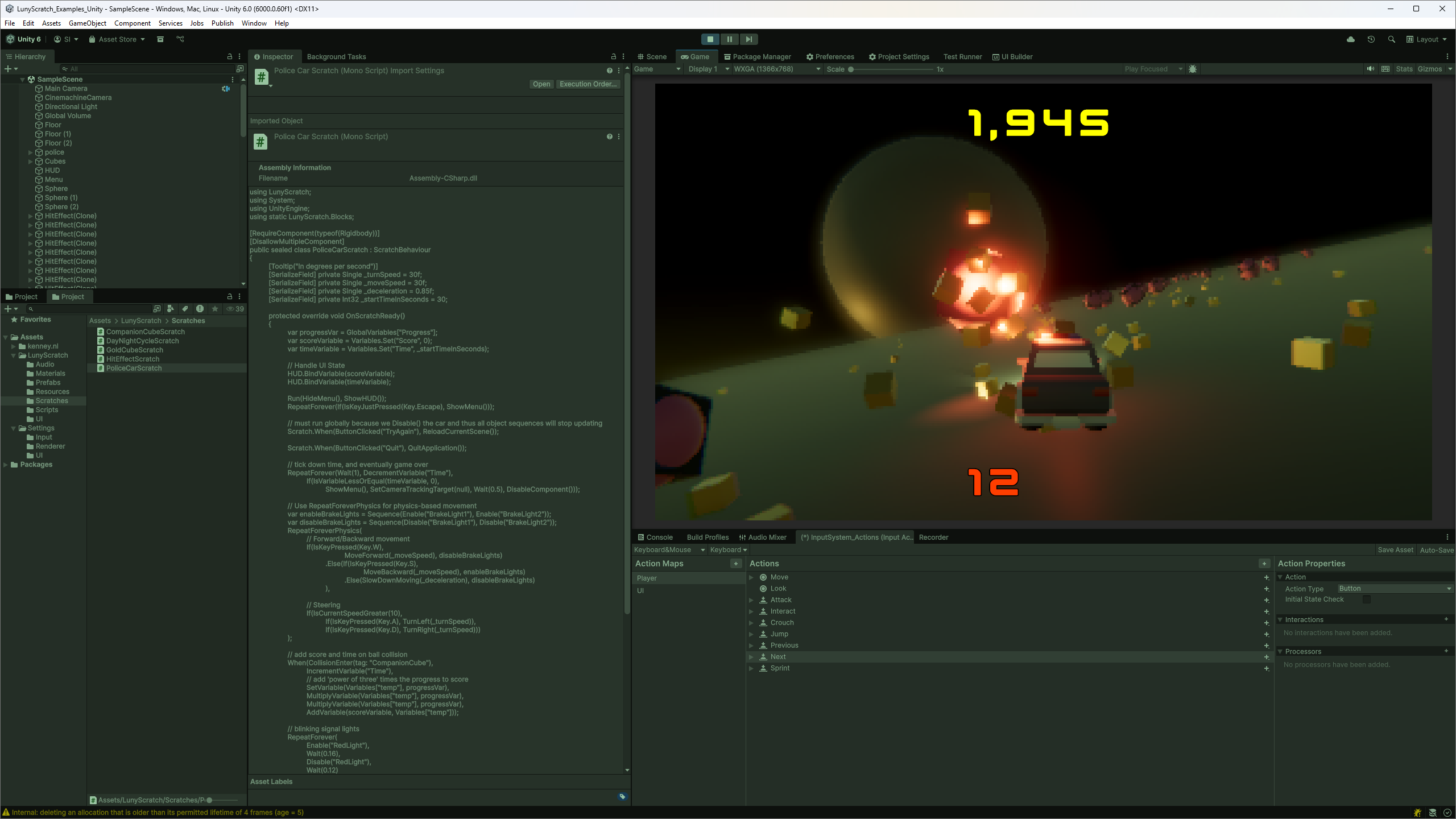
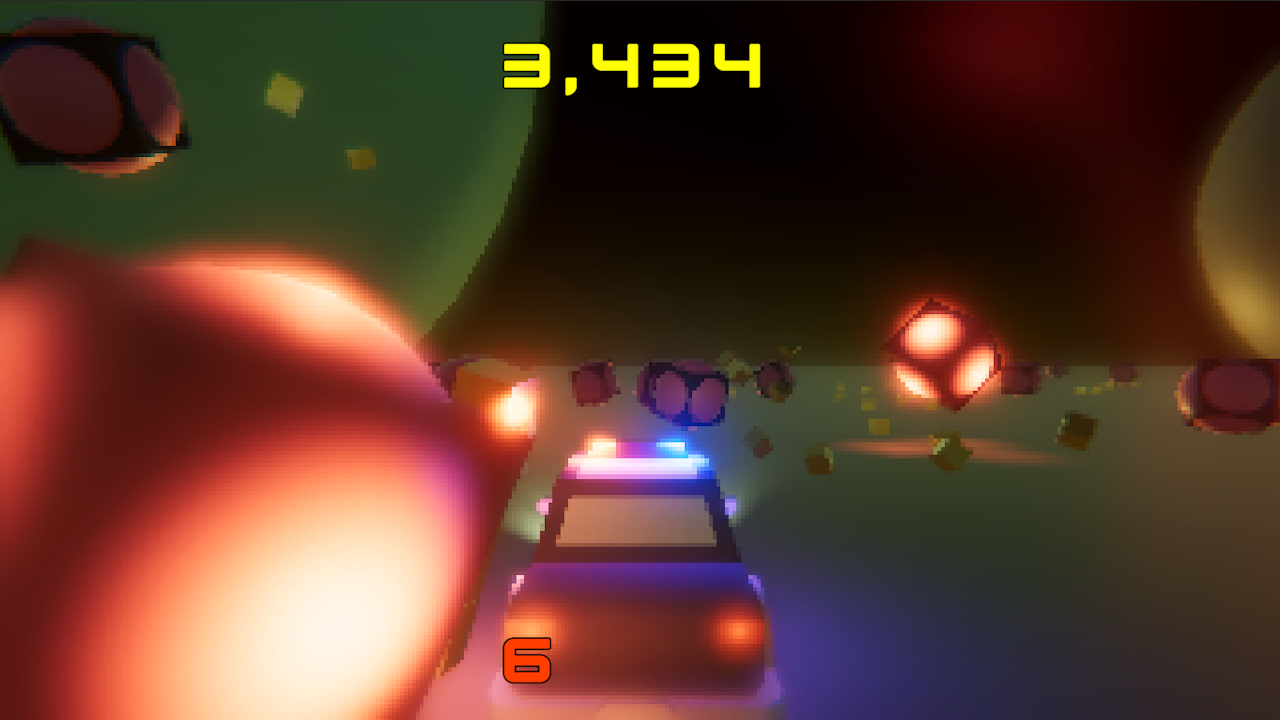
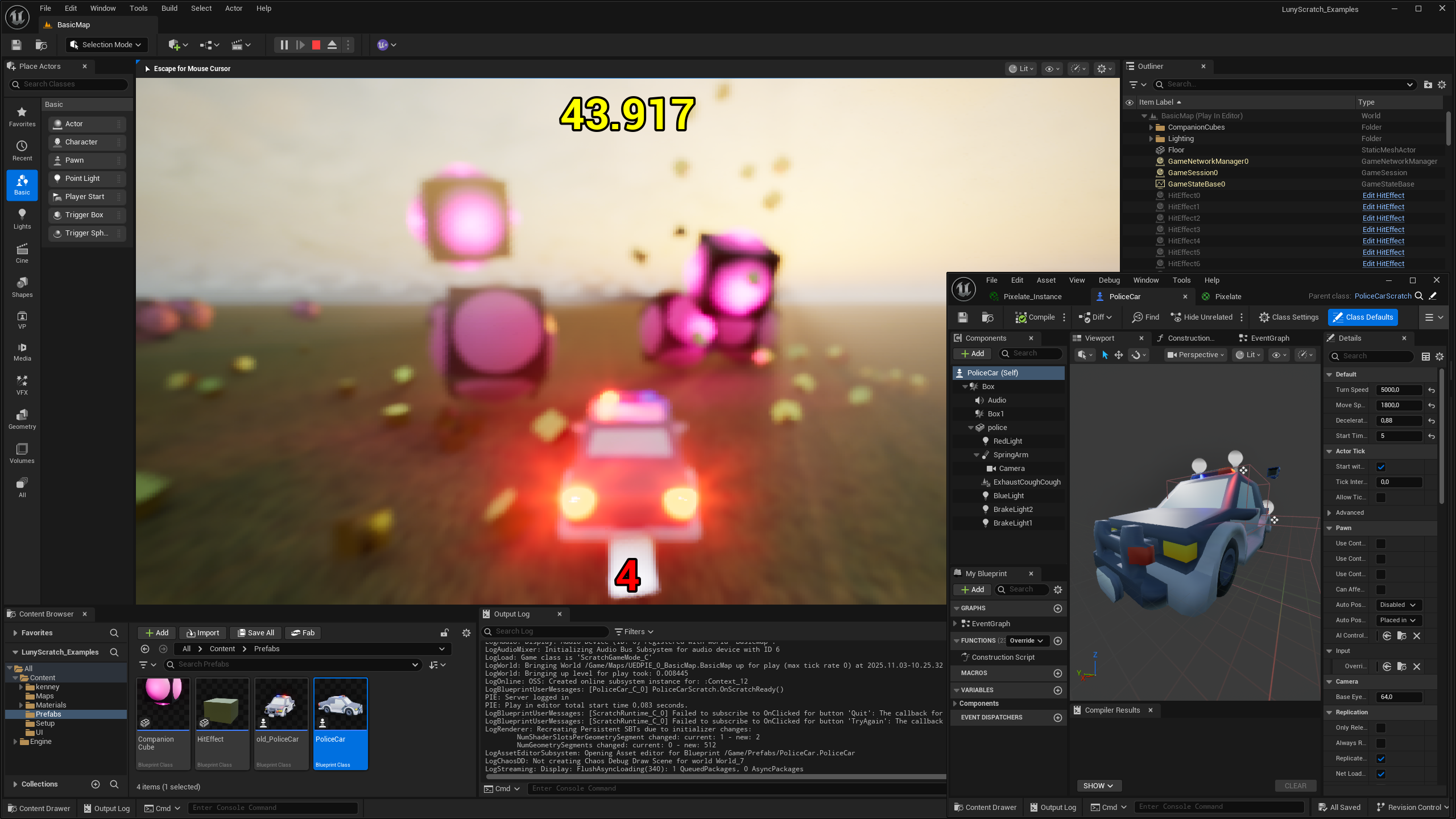
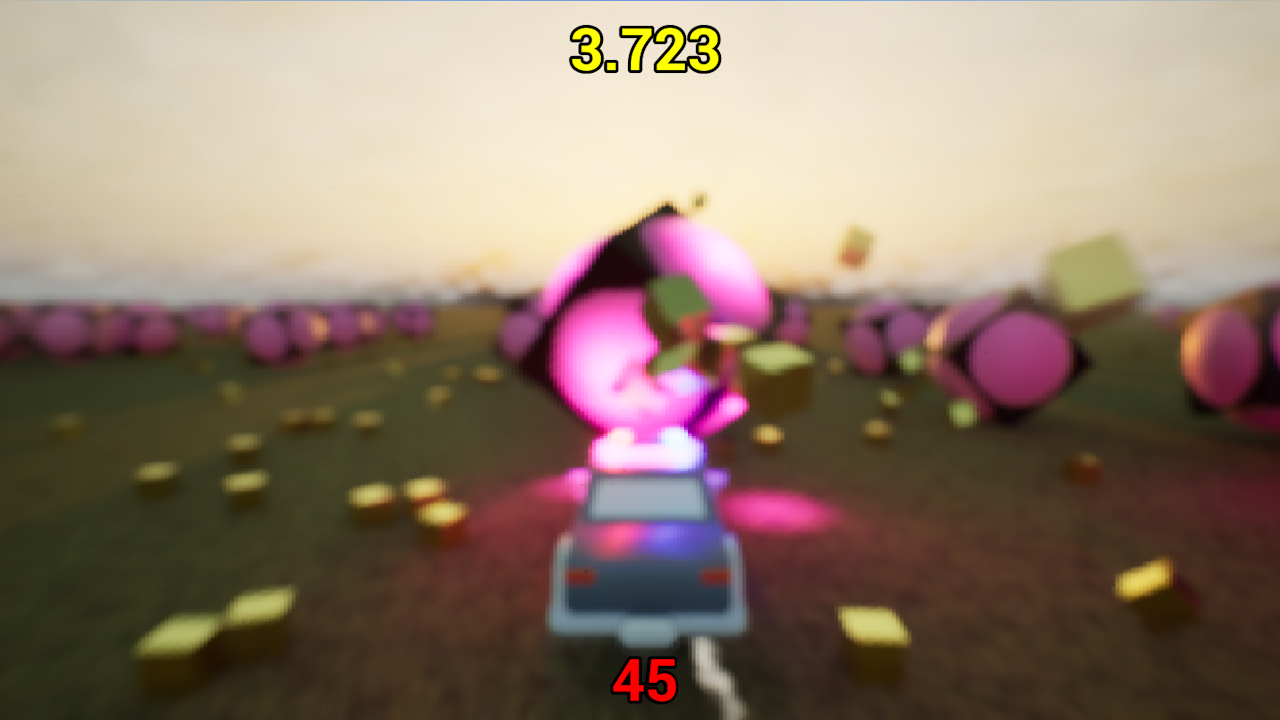
Repos need to be cloned recursively: git clone --recursive ...
| Engine | Repository |
|---|---|
| Godot | LunyScratch_Examples_Godot |
| Unity | LunyScratch_Examples_Unity |
| Unreal | LunyScratch_Examples_Unreal |
Note: I can’t guarantee that these projects will open and run without errors for everyone. I will not maintain them.
This is the script for the “Police Car” which acts as both player controller and overall game state.
⚠️ Note: API in this PoC represents an early first draft. Final API will differ in key aspects. It will not leak engine details into the script.
using Godot;
using LunyScratch;
using System;
using static LunyScratch.Blocks;
using Key = LunyScratch.Key;

public sealed partial class PoliceCarScratch : ScratchRigidbody3D
{
    [Export] private Single _turnSpeed = 70f;
    [Export] private Single _moveSpeed = 16f;
    [Export] private Single _deceleration = 0.85f;
    [Export] private Int32 _startTimeInSeconds = 5;

    protected override void OnScratchReady()
    {
        var progressVar = GlobalVariables["Progress"];
        var scoreVariable = Variables.Set("Score", 0);
        var timeVariable = Variables.Set("Time", _startTimeInSeconds);

        // Handle UI State
        HUD.BindVariable(scoreVariable);
        HUD.BindVariable(timeVariable);

        Run(HideMenu(), ShowHUD());
        RepeatForever(If(IsKeyJustPressed(Key.Escape), ShowMenu()));

        // must run globally because we Disable() the car and thus all object sequences will stop updating
        Scratch.When(ButtonClicked("TryAgain"), ReloadCurrentScene());
        Scratch.When(ButtonClicked("Quit"), QuitApplication());

        // tick down time, and eventually game over
        RepeatForever(Wait(1), DecrementVariable("Time"),
            If(IsVariableLessOrEqual(timeVariable, 0),
                ShowMenu(), SetCameraTrackingTarget(null), Wait(0.5), DisableComponent()));

        // Use RepeatForeverPhysics for physics-based movement
        var enableBrakeLights = Sequence(Enable("BrakeLight1"), Enable("BrakeLight2"));
        var disableBrakeLights = Sequence(Disable("BrakeLight1"), Disable("BrakeLight2"));
        RepeatForeverPhysics(
            // Forward/Backward movement
            If(IsKeyPressed(Key.W),
                    MoveForward(_moveSpeed), disableBrakeLights)
                .Else(If(IsKeyPressed(Key.S),
                        MoveBackward(_moveSpeed), enableBrakeLights)
                    .Else(SlowDownMoving(_deceleration), disableBrakeLights)
                ),

            // Steering
            If(IsCurrentSpeedGreater(0.1),
                If(IsKeyPressed(Key.A), TurnLeft(_turnSpeed)),
                If(IsKeyPressed(Key.D), TurnRight(_turnSpeed)))
        );

        // add score and time on ball collision
        When(CollisionEnter(tag: "CompanionCube"),
            IncrementVariable("Time"),
            // add 'power of three' times the progress to score
            SetVariable(Variables["temp"], progressVar),
            MultiplyVariable(Variables["temp"], progressVar),
            MultiplyVariable(Variables["temp"], progressVar),
            AddVariable(scoreVariable, Variables["temp"]));

        // blinking signal lights
        RepeatForever(
            Enable("RedLight"),
            Wait(0.16),
            Disable("RedLight"),
            Wait(0.12)
        );
        RepeatForever(
            Disable("BlueLight"),
            Wait(0.13),
            Enable("BlueLight"),
            Wait(0.17)
        );

        // Helpers
        // don't play minicube sound too often
        RepeatForever(DecrementVariable(GlobalVariables["MiniCubeSoundTimeout"]));
        // increment progress (score increment) every so often
        RepeatForever(IncrementVariable(progressVar), Wait(15), PlaySound());
    }
}